Sinh hình ảnh (Image Generation)
AI cung cấp hai phương pháp để tạo hình ảnh từ mô tả văn bản (prompt), tùy thuộc vào mô hình bạn sử dụng.
- Phương pháp chuẩn (Standard): Sử dụng endpoint
/images/generations, tuân thủ theo API của OpenAI. - Phương pháp trò chuyện (Chat): Sử dụng endpoint
/chat/completionsvới các mô hình đa phương thức (multimodal).
1. Phương pháp chuẩn (Endpoint: /images/generations)
Phương pháp này tương thích với các thư viện client của OpenAI và là cách được khuyến nghị cho các mô hình sinh ảnh chuyên dụng. API sẽ trả về dữ liệu ảnh được mã hóa dưới dạng base64 thay vì URL.
Model được hỗ trợ (Nano Banana, Gemini Enterprise Agent Platform (trước đây là Vertex AI); tên alias và ID gốc gọi cùng một model):
nano-banana-2=gemini-3.1-flash-imagenano-banana-2-lite=gemini-3.1-flash-lite-image: rẻ và nhanh nhấtnano-banana-pro=gemini-3-pro-image: chất lượng cao nhấtnano-banana=gemini-2.5-flash-image: Google ngừng hỗ trợ từ 02/10/2026
Ngoài ra còn có model OpenAI gpt-image-2.5-flare và gpt-image-2.5-sunburst. Các model này dùng size và quality thay cho aspect_ratio, xem Model OpenAI và DeepSeek.
Mỗi request tạo 1 ảnh (n chỉ nhận 1). Chọn tỷ lệ khung hình bằng aspect_ratio (1:1, 3:4, 4:3, 16:9, 9:16); tham số size không có tác dụng.
Endpoint: POST /images/generations
Để tránh lỗi caching, bạn có thể thêm một chuỗi ngẫu nhiên vào cuối prompt, ví dụ: "A beautiful landscape painting, " + str(random.randint(1, 10000)). hoặc thay đổi prompt một chút.
- curl
- Python (requests)
- Python (openai)
- Python (litellm)
Sử dụng curl để tạo hình ảnh và lưu từ dữ liệu base64.
# Cấu hình
API_URL="https://api.thucchien.ai/v1/images/generations"
API_KEY="<your_api_key>"
PROMPT="Một bức tranh phong cảnh biển hoàng hôn, phong cách sơn dầu"

# Gọi API
response=$(curl -s --location "$API_URL" \
--header 'Content-Type: application/json' \
--header "Authorization: Bearer $API_KEY" \
--data "{
  \"model\": \"nano-banana-2\",
  \"prompt\": \"$PROMPT\",
  \"aspect_ratio\": \"16:9\"
}")

# Xử lý và lưu từng ảnh
image_count=$(echo "$response" | jq '.data | length')
if [ "$image_count" -gt 0 ]; then
for ((i=0; i<$image_count; i++)); do
  image_data=$(echo "$response" | jq -r ".data[$i].b64_json")

  # Lưu file
  echo "$image_data" | base64 --decode > "generated_image_$((i+1)).png"
  echo "Image $((i+1)) saved to generated_image_$((i+1)).png"
done
else
echo "Failed to generate images. Response:"
echo "$response"
fi
Ví dụ kết quả:
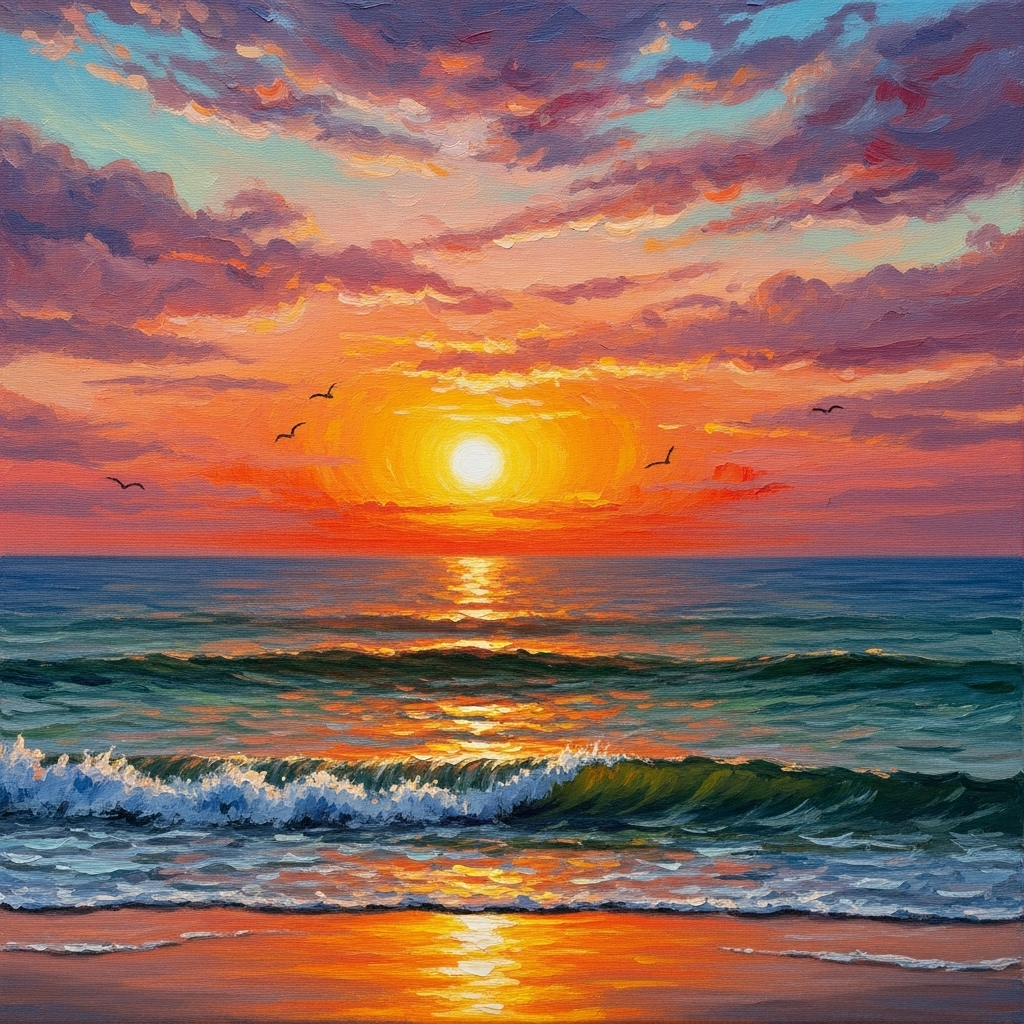
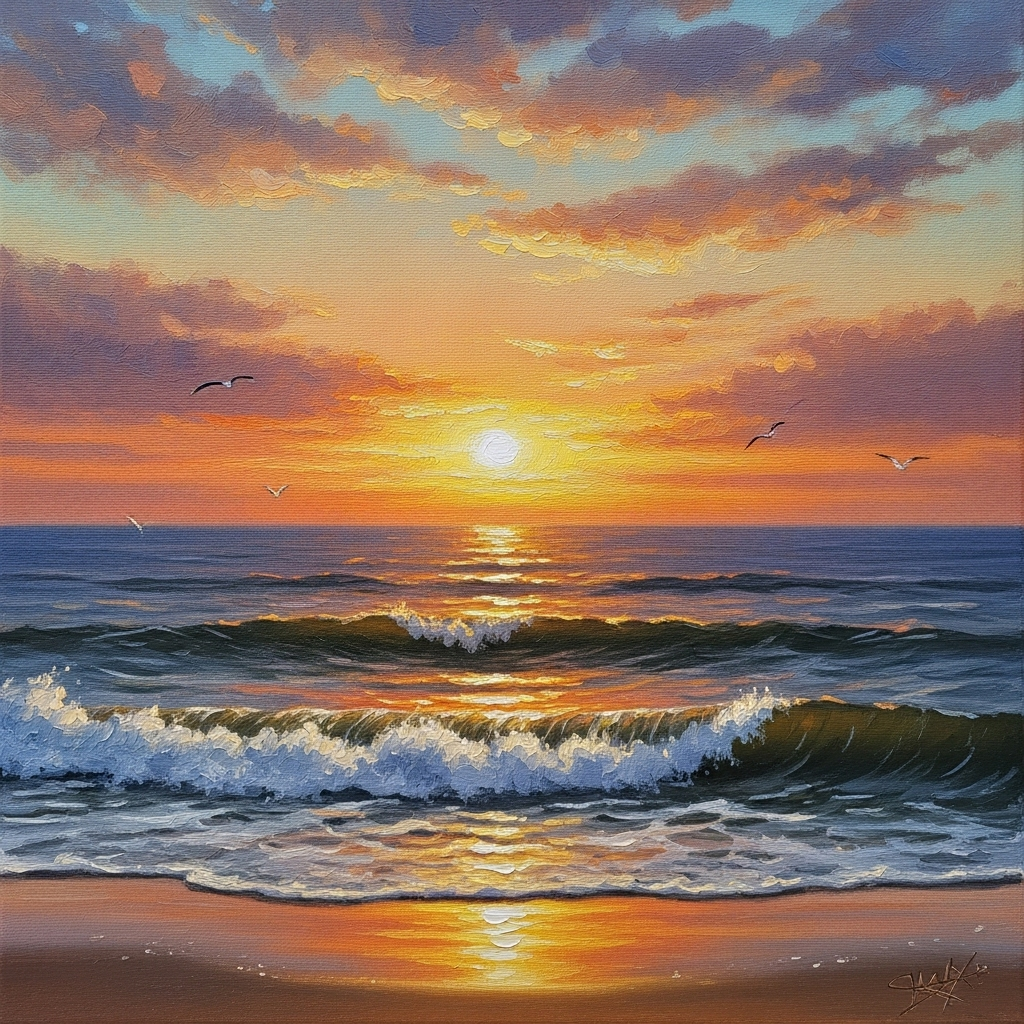
Sử dụng thư viện requests để giải mã và lưu nhiều hình ảnh.
import requests
import json
import base64

# --- Cấu hình ---
AI_API_BASE = "https://api.thucchien.ai/v1"
AI_API_KEY = "<your_api_key>"

# --- Gọi API để tạo hình ảnh ---
url = f"{AI_API_BASE}/images/generations"
headers = {
  "Content-Type": "application/json",
  "Authorization": f"Bearer {AI_API_KEY}"
}
data = {
  "model": "nano-banana-2",
  "prompt": "A majestic white tiger walking through a snowy forest",
  "aspect_ratio": "16:9",
}

try:
  response = requests.post(url, headers=headers, data=json.dumps(data))
  response.raise_for_status()

  result = response.json()

  # --- Xử lý và lưu từng ảnh ---
  for i, image_obj in enumerate(result['data']):
      b64_data = image_obj['b64_json']
      image_data = base64.b64decode(b64_data)

      save_path = f"generated_image_{i+1}.png"
      with open(save_path, 'wb') as f:
          f.write(image_data)
      print(f"Image saved to {save_path}")

except requests.exceptions.RequestException as e:
  print(f"An error occurred: {e}")
  print(f"Response body: {response.text if 'response' in locals() else 'No response'}")
from openai import OpenAI
import base64

# --- Cấu hình ---
AI_API_BASE = "https://api.thucchien.ai/v1"
AI_API_KEY = "<your_api_key>"

# --- Khởi tạo client ---
client = OpenAI(
  api_key=AI_API_KEY,
  base_url=AI_API_BASE
)

# --- Gọi API để tạo hình ảnh ---
response = client.images.generate(
  model="nano-banana-2",
  prompt="An astronaut riding a horse on Mars, photorealistic",
  extra_body={"aspect_ratio": "16:9"},
)

# --- Xử lý và lưu từng ảnh ---
for i, image_obj in enumerate(response.data):
  b64_data = image_obj.b64_json
  image_data = base64.b64decode(b64_data)

  save_path = f"generated_image_{i+1}.png"
  with open(save_path, 'wb') as f:
      f.write(image_data)
  print(f"Image saved to {save_path}")
Sử dụng hàm litellm.image_generation.
import litellm
import base64

# --- Cấu hình ---
AI_API_BASE = "https://api.thucchien.ai"
AI_API_KEY = "your_api_key"


# --- Gọi API để tạo hình ảnh ---
response = litellm.image_generation(
  prompt="A peaceful Japanese garden with a koi pond and cherry blossoms 2",
  model="litellm_proxy/nano-banana-2",
  aspect_ratio="16:9",
  api_key=AI_API_KEY,
  api_base=AI_API_BASE,
)

# --- Xử lý và lưu từng ảnh ---
for i, image_obj in enumerate(response.data):
  b64_data = image_obj['b64_json']
  image_data = base64.b64decode(b64_data)

  save_path = f"generated_image_{i+1}.png"
  with open(save_path, 'wb') as f:
      f.write(image_data)
      print(f"Image saved to {save_path}")
2. Phương pháp trò chuyện (Endpoint: /chat/completions)
Một số mô hình đa phương thức cho phép bạn tạo hình ảnh ngay trong một cuộc hội thoại. Thay vì trả về URL, các mô hình này sẽ trả về dữ liệu ảnh được mã hóa dưới dạng base64.
Model được hỗ trợ: các model Nano Banana ở trên, ví dụ nano-banana-2.
Endpoint: POST /chat/completions
- curl
- Python (requests)
- Python (openai)
- Python (litellm)
Sử dụng curl để yêu cầu hình ảnh và lưu từ dữ liệu base64.
# Bước 1: Gọi API và trích xuất dữ liệu ảnh base64
IMAGE_DATA=$(curl -s https://api.thucchien.ai/v1/chat/completions \
-H "Content-Type: application/json" \
-H "Authorization: Bearer <your_api_key>" \
-d '{
  "model": "nano-banana-2",
  "messages": [
      {
          "role": "user",
          "content": "An olympic size swimming pool with crystal clear water and modern architecture. High resolution, photorealistic, 8k"
      }
  ]
}' | jq -r '.choices[0].message.images[0].image_url.url' | sed 's/^data:image\/png;base64,//')

# Bước 2: Giải mã base64 và lưu thành file ảnh
if [ -n "$IMAGE_DATA" ]; then
echo "$IMAGE_DATA" | base64 --decode > generated_chat_image.png
echo "Image saved to generated_chat_image.png"
else
echo "Failed to get image data."
fi
Ví dụ kết quả:

Sử dụng thư viện requests để giải mã và lưu ảnh.
import requests
import json
import base64

# --- Cấu hình ---
AI_API_BASE = "https://api.thucchien.ai/v1"
AI_API_KEY = "<your_api_key>" # Thay bằng API key của bạn
IMAGE_SAVE_PATH = "generated_chat_image.png"

# --- Bước 1: Gọi API để tạo hình ảnh ---
url = f"{AI_API_BASE}/chat/completions"
headers = {
  "Content-Type": "application/json",
  "Authorization": f"Bearer {AI_API_KEY}"
}
data = {
  "model": "nano-banana-2",
  "messages": [
      {
          "role": "user",
          "content": "A futuristic cityscape at sunset, with flying cars and neon lights. High resolution, photorealistic, 8k"
      }
  ]
}

try:
  response = requests.post(url, headers=headers, data=json.dumps(data))
  response.raise_for_status()

  result = response.json()
  # Trích xuất dữ liệu ảnh base64 từ response
  base64_string = result['choices'][0]['message']['images'][0]['image_url']['url']
  print("Image data received successfully.")

  # --- Bước 2: Giải mã và lưu hình ảnh ---
  # Loại bỏ tiền tố 'data:image/png;base64,' nếu có
  if ',' in base64_string:
      header, encoded = base64_string.split(',', 1)
  else:
      encoded = base64_string

  image_data = base64.b64decode(encoded)

  with open(IMAGE_SAVE_PATH, 'wb') as f:
      f.write(image_data)

  print(f"Image saved to {IMAGE_SAVE_PATH}")

except requests.exceptions.RequestException as e:
  print(f"An error occurred: {e}")
  print(f"Response body: {response.text if 'response' in locals() else 'No response'}")
except (KeyError, IndexError) as e:
  print(f"Failed to parse image data from response: {e}")
  print(f"Response body: {response.text if 'response' in locals() else 'No response'}")
Sử dụng thư viện openai để yêu cầu hình ảnh và xử lý dữ liệu base64.
from openai import OpenAI
import base64

# --- Cấu hình ---
AI_API_BASE = "https://api.thucchien.ai/v1"
AI_API_KEY = "<your_api_key>" # Thay bằng API key của bạn
IMAGE_SAVE_PATH = "generated_chat_image.png"

# --- Khởi tạo client ---
client = OpenAI(
  api_key=AI_API_KEY,
  base_url=AI_API_BASE,
)

# --- Bước 1: Gọi API để tạo hình ảnh ---
try:
  response = client.chat.completions.create(
      model="nano-banana-2",
      messages=[
          {
              "role": "user",
              "content": "A detailed illustration of a vintage steam train crossing a mountain bridge. High resolution, photorealistic, 8k"
          }
      ],
      modalities=["image"]  # Chỉ định trả về dữ liệu ảnh
  )

  # Trích xuất dữ liệu ảnh base64
  base64_string = response.choices[0].message.images[0].get('image_url').get("url")
  print("Image data received successfully.")

  # --- Bước 2: Giải mã và lưu hình ảnh ---
  if ',' in base64_string:
      header, encoded = base64_string.split(',', 1)
  else:
      encoded = base64_string

  image_data = base64.b64decode(encoded)

  with open(IMAGE_SAVE_PATH, 'wb') as f:
      f.write(image_data)

  print(f"Image saved to {IMAGE_SAVE_PATH}")

except Exception as e:
  print(f"An error occurred: {e}")
Sử dụng hàm litellm.completion để tạo hình ảnh.
import litellm
import base64
import json
import random

random_prompt_seed = random.randint(1, 10000)
# Seed is used use to generate different images for the same prompt and avoiding caching issues

AI_API_BASE = "https://api.thucchien.ai/v1"
AI_API_KEY = "your_api_key"
IMAGE_SAVE_PATH = "generated_chat_image.png"

# Configure Litellm to use AI API
litellm.api_base = AI_API_BASE

# Use streaming with Gemini 2.5 Flash Image Preview model
response = litellm.completion(
  model="litellm_proxy/nano-banana-2",
  messages=[
      {
          "role": "user",
          "content": "Tạo ảnh 2 con mèo bên khung cửa sổ đang nhìn ra vườn hoa. " + str(random_prompt_seed)
      }
  ],
  api_key=AI_API_KEY,
  modalities=["image"]  # Specify modalities to include image data
)
# Get the base64 image string from the response
base64_string = response.choices[0].message.images[0].get("image_url").get("url")
print("Image data received successfully.")

# Decode and save the image ---
if ',' in base64_string:
  header, encoded = base64_string.split(',', 1)
else:
  encoded = base64_string

image_data = base64.b64decode(encoded)

with open(IMAGE_SAVE_PATH, 'wb') as f:
  f.write(image_data)

print(f"Image saved to {IMAGE_SAVE_PATH}")
Để biết thêm chi tiết, bạn có thể tham khảo tài liệu về sinh ảnh từ Gemini Enterprise Agent Platform và các tham số sinh ảnh cho Google AI Studio qua LiteLLM.